How to Build a Photography Portfolio Using a Photo Book
By Photobox on 14 September 2026
A strong portfolio deserves more than a folder on your laptop. To show how a portfolio book can elevate client meetings, networking and presentations, we followed professional photographer Charl van Rooy as he created his own Photobox photography portfolio book, sharing the creative decisions and practical tips that make it stand out.

Whether you’re a photographer, designer, artist or filmmaker, chances are your creative portfolio lives online. It’s practical, easy to update and simple to share. But when it comes to meeting a client, attending an industry event or interviewing for a new opportunity, a print portfolio book creates a very different experience.
That’s why photographer and filmmaker Charl van Rooy decided to create his own photography portfolio photo book. Based in Amsterdam, Charl specialises in luxury yachting, travel and lifestyle photography and film, with assignments taking him around the world for shipyards, charter companies and global brands.
For Charl, the portfolio wasn’t simply about collecting his favourite photographs. It was about creating a portfolio book that could open conversations, showcase his work in a more dynamic way and become a marketing tool he’d actually enjoy using.
In this guide, we’ll follow his process, from choosing the right format and template to sequencing images and designing a professional photography portfolio that feels every bit as professional as the work inside it.
Why should photographers, artists and designers have a printed portfolio?
A print portfolio book changes the dynamic of a meeting. Instead of asking someone to click through a website, you’re inviting them to slow down and experience your work as a carefully curated collection. It also shows you’ve invested time and thought into how your work is presented.
“Seeing photographs in print changes the way people engage with them,” Charl explains. “They spend longer looking, notice details they might otherwise miss, and get a much better sense of the scale, colour, composition and craftsmanship behind each image.”
Charl now takes his photography portfolio to client meetings, keeps it on display in his office and brings it to industry events. Afterwards, he simply shares a digital version using Photobox’s Share Your Photo Book feature, making it easy for clients to revisit the portfolio after meeting him. Take a look at Charl’s here.
If you’re creating your first photo portfolio, it’s also worth reading our guide on how to make a photo book before you start designing your own.
Meet Charl – the photographer behind the portfolio
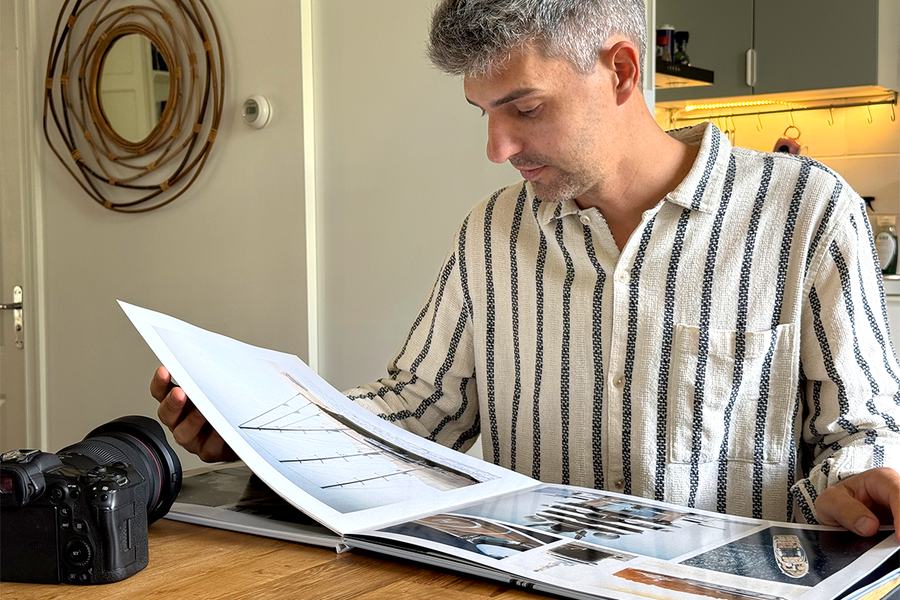
Charl approached his creative portfolio like any client project: every decision had a purpose. Before selecting a single image, he thought about how the book would be used. It needed to work as a presentation piece in client meetings, a conversation starter at industry events and something visitors could naturally pick up in his studio.
To give his photography maximum impact, Charl chose an XL Layflat Photo Book. The seamless pages are ideal for panoramic landscapes, dramatic drone photography and double-page spreads, allowing every detail to shine without disappearing into the fold.
After exploring Photobox’s templates, he settled on City Impressions – New York. Its clean, editorial design gave his images room to breathe, while bold typography options reinforced the portfolio layout’s professional feel.
The portfolio cover page design sets the tone with a single photograph, chosen not only for its impact but for the negative space it leaves around the logo. Rather than simply picking his favourite image, Charl chose one that immediately communicated his style while keeping the cover clean and uncluttered.
“The images should always do the talking,” Charl says. “The design is there to support them, not compete with them.”
When it came to the spine, rather than leaving it blank, Charl added his branding, the words Look Book and the years 2026/2027. Dating the portfolio across two seasons means it will still feel current when sitting on a shelf or coffee table over the next couple of years.
What makes a strong portfolio book?
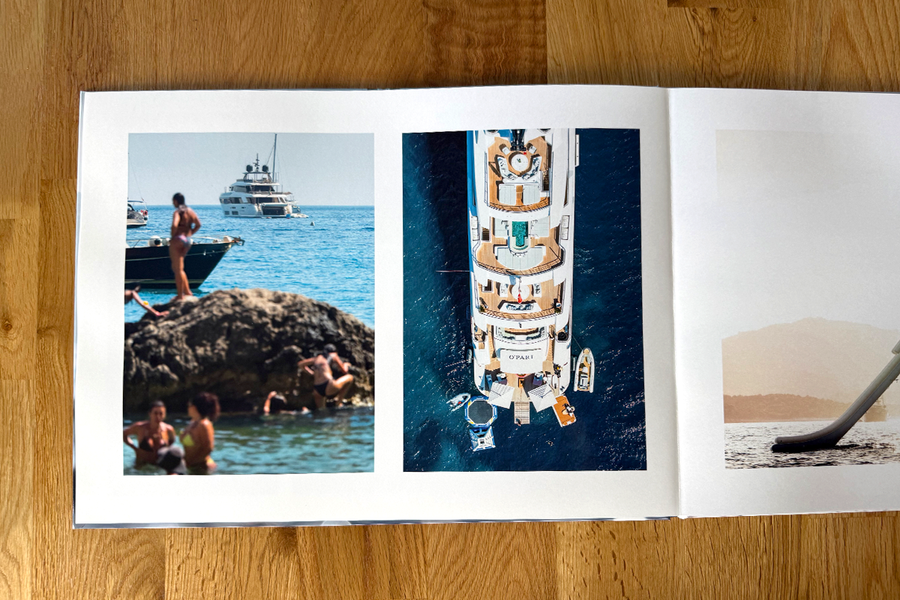
A strong photography portfolio book isn’t just a collection of your favourite photographs – it’s a carefully curated body of work that tells potential clients exactly what you do best.
Editing is just as important as photographing. Some strong images didn’t make the final cut simply because they disrupted the visual flow or didn’t support the overall story of the portfolio. While versatility has its place, too much variety can leave viewers unsure of your style or speciality.
Charl took a more focused approach. Although his work spans more than a decade of shooting luxury yachts, travel and lifestyle, every image in his visual portfolio shares the same cinematic aesthetic.
“A portfolio isn’t there to prove you’ve photographed everything,” he explains. “It’s there to show someone why you’re the right person for their project.”
Just as important as the image selection is the sequence. Rather than arranging photographs chronologically, Charl treated the portfolio like a visual journey. One of the centre spreads features a dramatic drone photograph stretching seamlessly across both pages, demonstrating both the precision behind Charl’s work and the impact of the Layflat format. Similar colours, lighting and composition create natural transitions between each section, before the book returns to dramatic yacht photography and atmospheric night scenes.
Each spread has room to breathe. Large images, generous white space and minimal captions keep the focus where it belongs. “If every page is shouting, none of them are heard,” Charl says. “Sometimes one great image says far more than four good ones.”
Layflat or softcover – which is best for a photography portfolio?
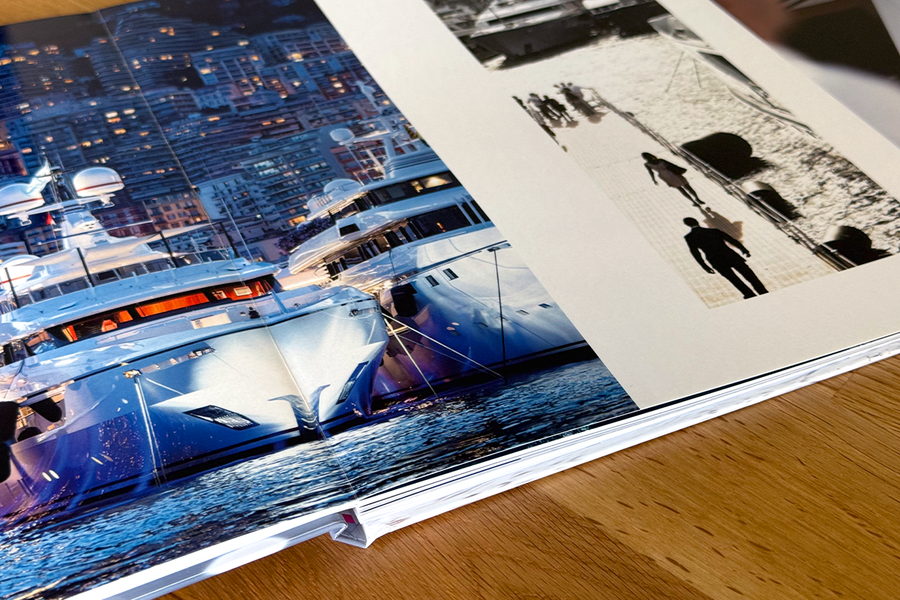
The best portfolio book depends on how you plan to use it. For Charl, an XL Layflat Photo Book was the obvious choice. Many of his strongest photographs rely on scale, from sweeping drone shots to panoramic seascapes, and the layflat binding allows those images to stretch seamlessly across two pages without losing important detail in the centre fold.
The larger format also creates a stronger first impression during client presentations. With thicker pages and a premium finish, it feels every bit as premium as the work inside it.
If you’re looking for something lighter to carry to networking events, exhibitions or interviews, a Softcover Photo Book is another great option. Its slimmer profile makes it easy to slip into a bag, while still providing enough space to showcase a focused selection of projects.
What are the best templates and layout tips for a portfolio book?
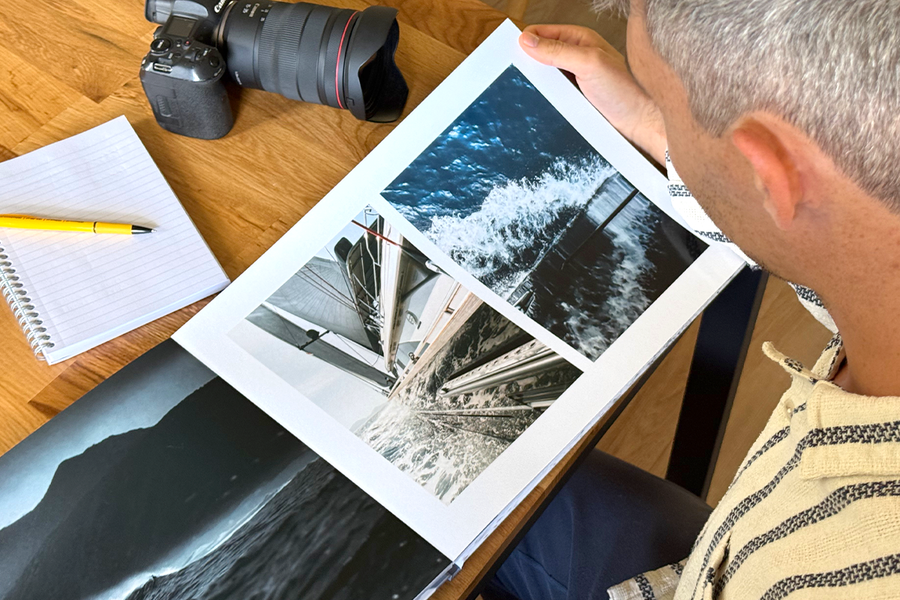
The best portfolio layout is the one that lets your work shine. Charl started by exploring Photobox’s templates before choosing City Impressions – New York. Its clean editorial style, bold typography and generous image space complemented his photography without competing for attention.
If you already have a clear visual identity – whether you’re building a graphic design portfolio, a fashion photography portfolio or any other creative portfolio – you may prefer to start from scratch. Photobox’s Create Yourself option gives you complete control over every spread, with an intuitive drag-and-drop editor that’s ideal for building a portfolio exactly the way you want it.
If you’re short on time, a professionally designed template provides a great starting point that’s easy to personalise. These make excellent creative portfolio examples to draw inspiration from as you develop your own.
Whichever route you choose, a few simple design principles can make all the difference:
- Let your strongest images take centre stage.
- Use white space to create breathing room.
- Keep captions short and purposeful.
- Maintain a consistent style from beginning to end.
- Start and finish with your contact details, so it’s easy for potential clients to get in touch.
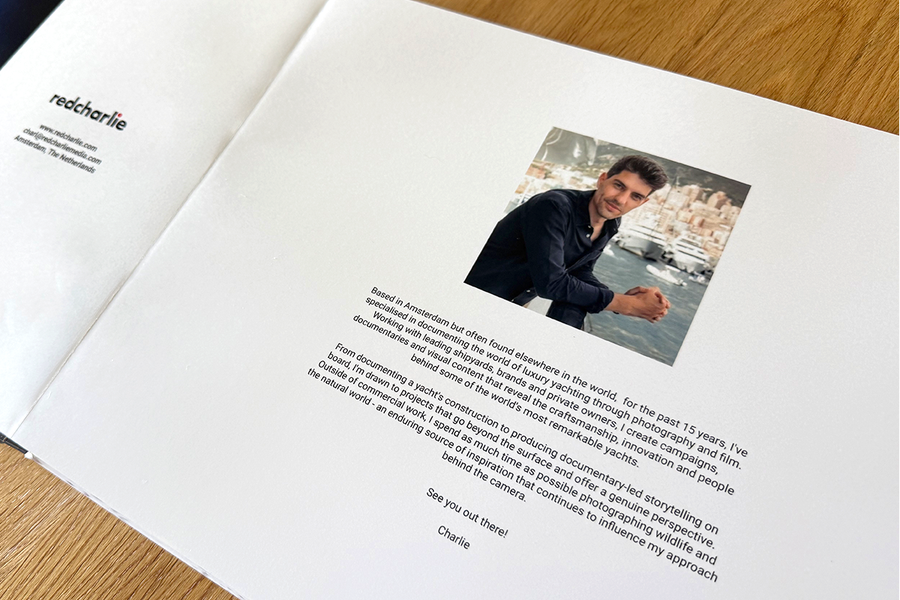
- Charl also thought carefully about the first and last pages. His portfolio opens with a simple introduction and portrait before closing with a behind-the-scenes image of him at work, reinforcing the personal brand behind the photography.
Portfolio photo book best practice tips
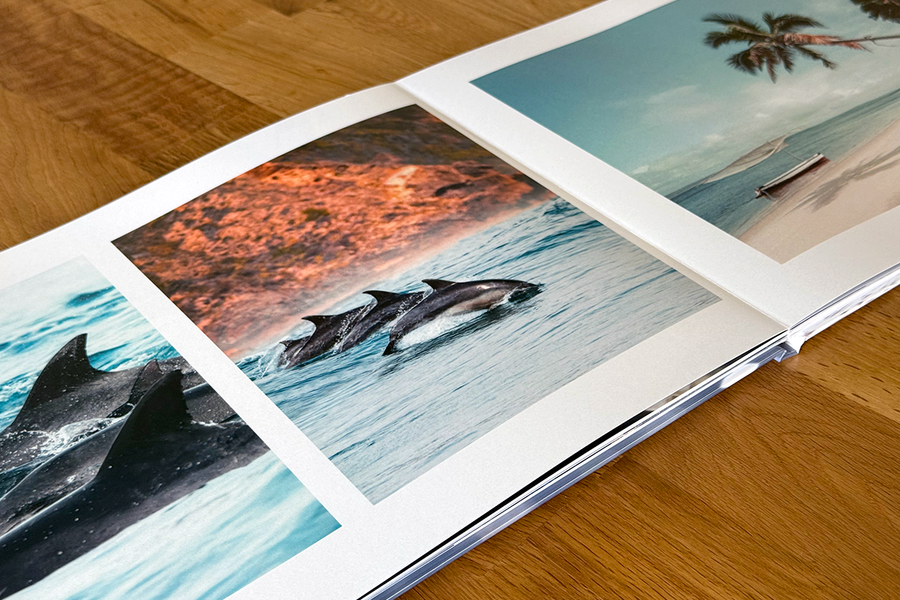
Before you hit print, take one final look through your photography portfolio. A few small refinements can make all the difference.
Do:
- Curate ruthlessly. Every image should earn its place.
- Let your strongest images take centre stage.
- Use white space to give your work room to breathe.
- Ask someone you trust to review the book before ordering.
Don’t:
- Include every image from a shoot.
- Overcrowd your portfolio layout with too many photos or long captions.
- Forget to check cropping, alignment and image quality before printing.
6 steps to creating your own portfolio photo book
Creating a photography portfolio photo book is easier than you might think. Follow these six steps to get started.
- Curate your best work
Choose images that reflect both your style and the type of projects you want to attract. - Choose your format
Think about how you’ll use your photo portfolio. A Layflat Photo Book is ideal for client presentations, while a smaller format is easier to carry to interviews and events. - Design your layouts
Start with a template or use Create Yourself to build every spread from scratch. Keep the focus on your photography with clean layouts and plenty of breathing room. - Create a visual flow
Arrange your images so colours, subjects and moods transition naturally from one spread to the next. - Keep the copy minimal
A short introduction and concise captions are often all you need. Let your work speak for itself. - Preview before you print
Review every spread carefully, checking alignment, cropping and image quality before placing your order.
For Charl, creating a photography portfolio book was never about replacing his website. It was about creating something people could pick up, spend time with and remember long after the meeting was over. Combined with a digital version shared afterwards, it gives potential clients the best of both worlds.
Whether you’re a photographer, designer, illustrator or filmmaker, a printed portfolio book offers something a website can’t: the opportunity to slow people down and let your work be experienced without distraction. With thoughtful editing, strong layouts and a clear visual narrative, it becomes more than a showcase of your work. It becomes part of your creative identity.
Ready to create your own? Explore the Photobox Photo Books range and start building a professional photography portfolio that’s made to be seen.
How many images should a portfolio book have?
There’s no fixed number, but most strong portfolio books include 24-60 pages. Aim to show enough work to demonstrate your style and range without overwhelming the reader. Remember, a carefully curated photo portfolio will always have more impact than one that tries to include everything.
Is a layflat photo book worth it for a portfolio?
If your work relies on double-page spreads or highly detailed imagery, then yes. Photobox’s Layflat Photo Books open completely flat, so panoramic landscapes, architectural photography and dramatic drone shots can span two pages without losing detail in the centre fold – making them ideal for any professional photography portfolio.
Which paper finish looks most professional?
Classic Satin is a great all-round choice. Its smooth, glare-free finish reproduces colour beautifully while remaining easy to view in different lighting conditions. If your work features bold colours and high contrast, a glossy finish can also create a striking effect.
Can I use one portfolio book for both client meetings and interviews?
Absolutely. One well-designed photography portfolio book can work across client meetings, interviews and networking events.