10 of the best free photo and video editing apps you should be using
By Photobox on 26 June 2026
If you’re looking to enhance your pics or make viral-worthy videos, these are the best photo editing apps and best video editing apps that can help, all available to download for free on both Android and iOS.

Whether you’re a brand looking to stand out in busy social feeds, a content creator who’s motivated to step up their game, or an everyday Instagram and TikTok user with snaps ready to shine, we’ve got you covered.
These free photo editing apps and video editing apps are the best in the market right now, with many easy-to-use templates and creative tools at your fingertips.
5 of the best photo editing apps
With smartphone photography on the rise since the 2010s, apps to modify photos have become more and more popular. No longer content with original images, people turn to photo editing apps before sharing on social media.
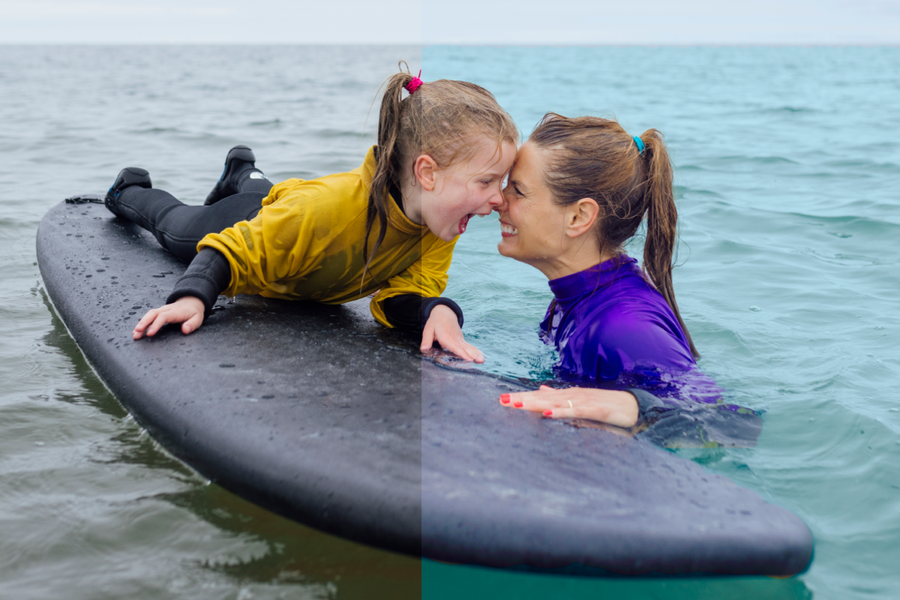
Since there’s an overwhelming amount of apps to choose from, we’ve done the heavy lifting for you and tried and tested these top rated photo editor apps that offer all the necessary features with intuitive interfaces. From whitening smiles, brightening sunsets, blurring backgrounds and more, these are the best photo editing apps that should be on your phone.
Snapseed
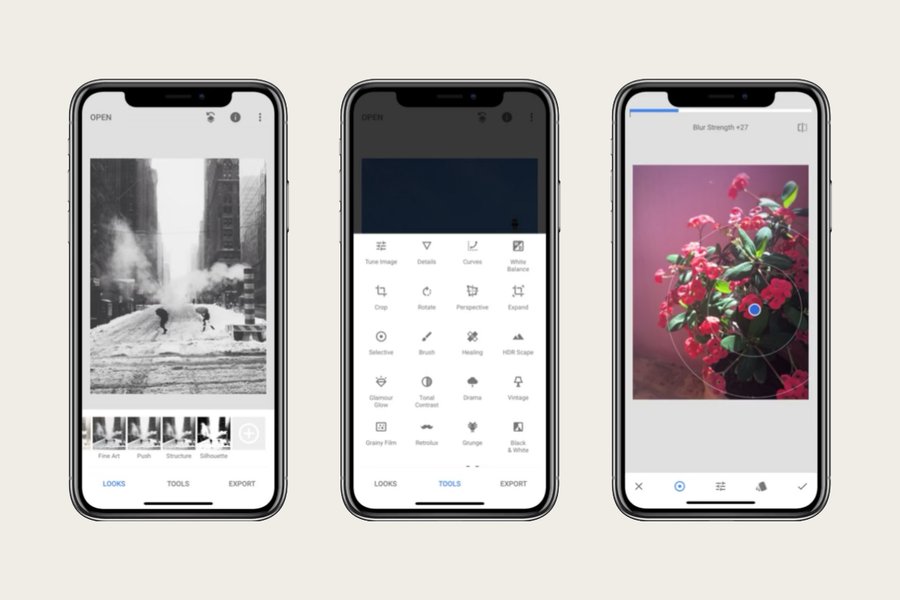
Best overall
Why it’s great: Google’s powerful and user-friendly app with advanced editing tools
Key features:
✔️ Fine-tune exposure, contrast, and colour
✔️ Healing brush to remove unwanted objects
✔️ Advanced filters and effects
✔️ Non-destructive edits with easy control over changes
PicsArt
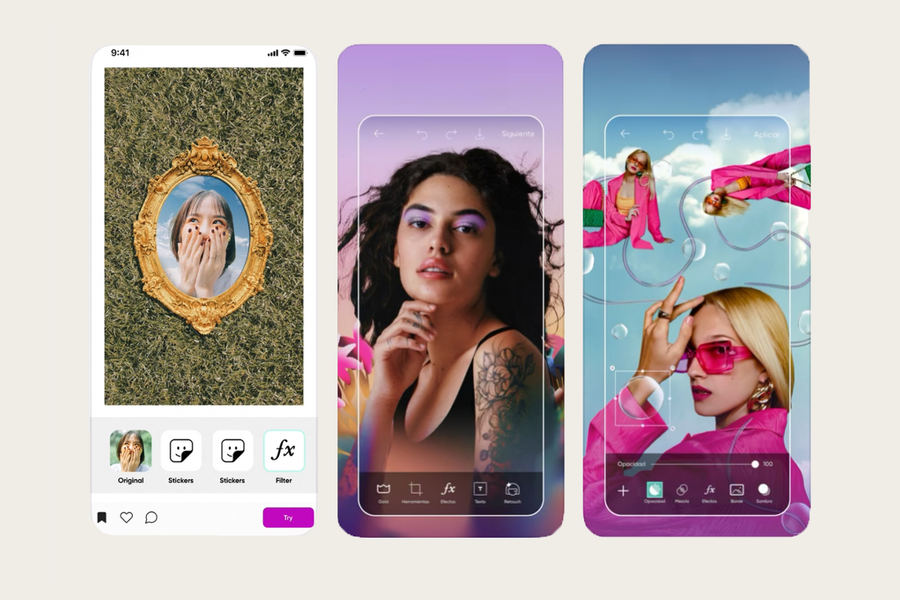
Best for quick and creative designs
Why it’s great: a fun editor with tools for photos, collages, and art
Key features:
✔️ A global community of creatives
✔️ Hundreds of photo editing tools
✔️ Customisable filters and effects
✔️ Text, sticker, and doodle overlays
Adobe Photoshop Express
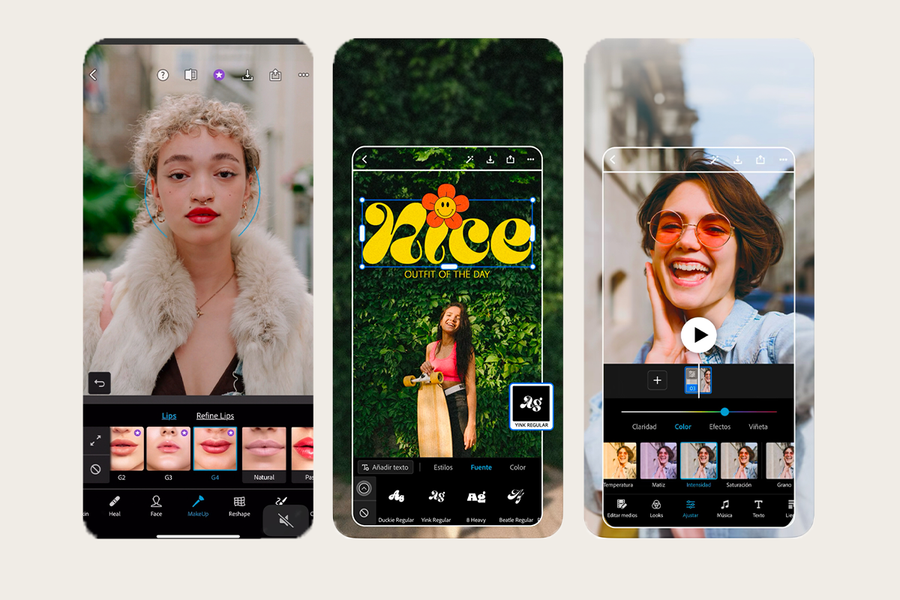
Best for a professional feel
Why it’s great: the app of choice for pro photographers, but still very intuitive and easy to use
Key features:
✔️ Fast touch-up features
✔️ Control of hue, brightness, and white balance
✔️ Borders, frames, and collages
✔️ Additional features available to purchase as packs
VSCO
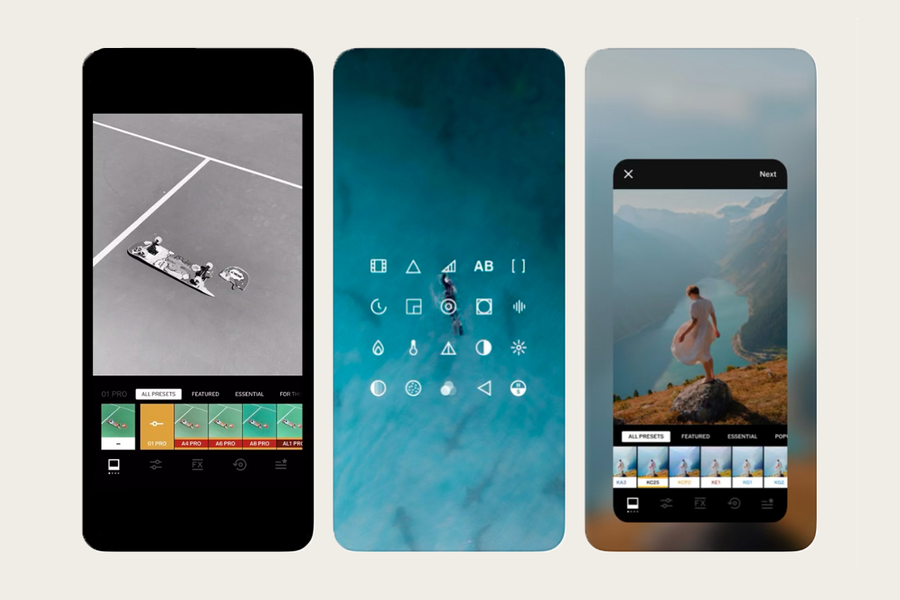
Best for Instagram-style filters
Why it’s great: known for its gorgeous filters that give a film-like aesthetic
Key features:
✔️ Artistic filters with adjustable strength
✔️ Lots of downloadable presets
✔️ Photo editing tools for exposure, contrast, colour and more
✔️ Community platform to share photos and get inspiration
Prisma
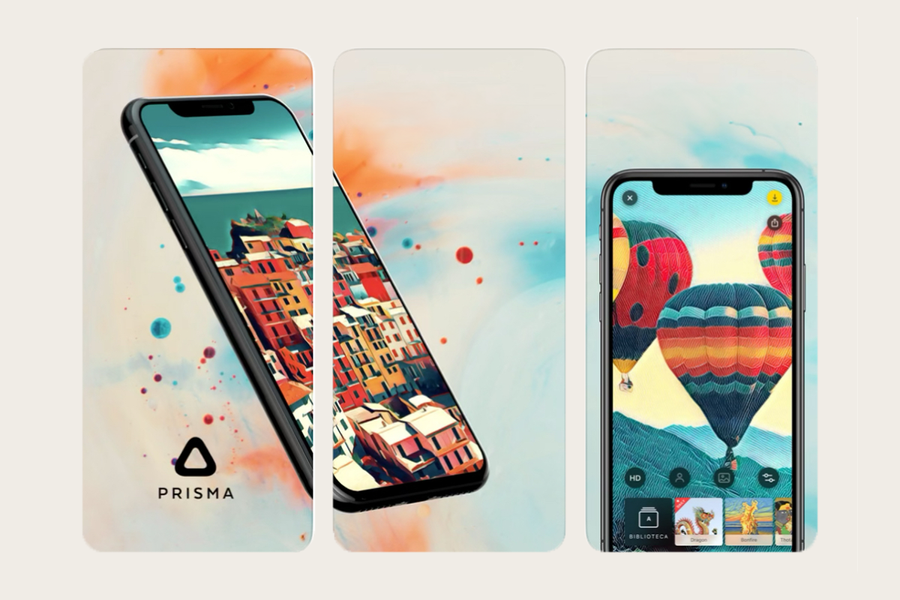
Best for unique photo editing
Why it’s great: turns photos into artistic works with AI-powered filters
Key features:
✔️ Modern art filters
✔️ Fun photo effects
✔️ Fine-tuning options for effects and colours
✔️ Fast sharing to social media
5 of the best video editing apps
Early social media started out with a strong focus on imagery, however static pictures aren’t always enough for an engaging feed these days.
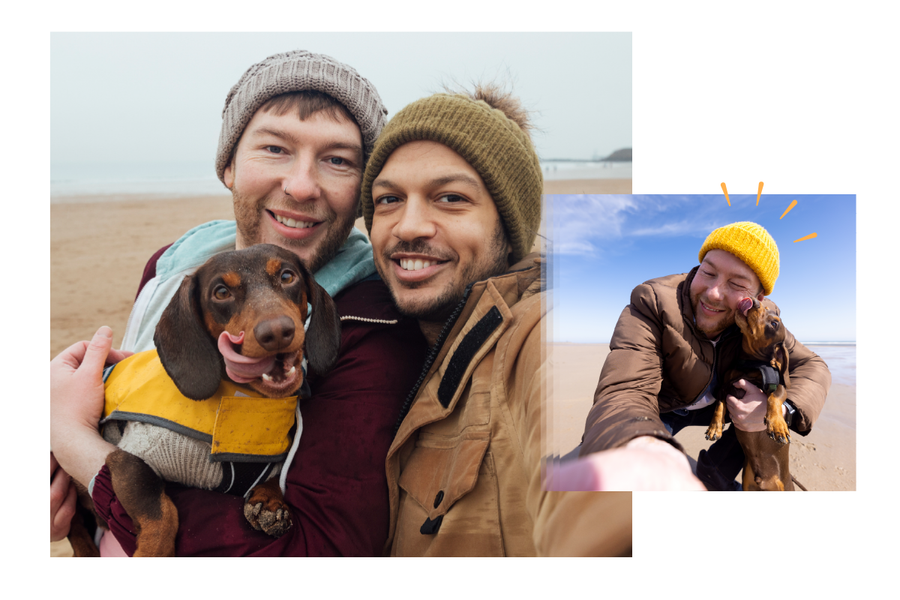
But don’t stress – making videos for Instagram Reels and TikTok is easy and fun with these top free video editing apps.
CapCut
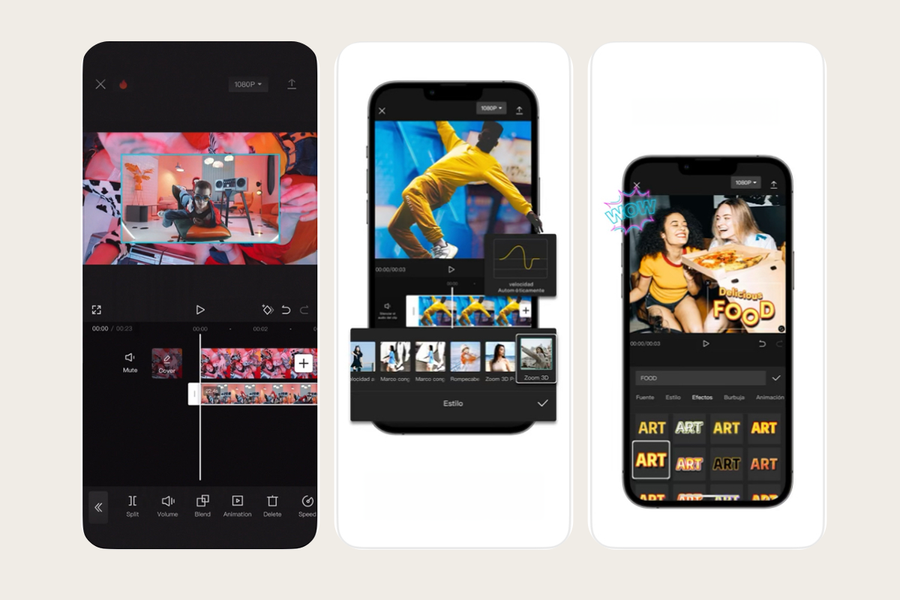
Best overall
Why it’s great: designed by the creators of TikTok, CapCut offers intuitive video editing features that work perfectly for your social media
Key features:
✔️ Templates for Instagram Reels and TikTok videos
✔️ Music, text, effects, and stickers.
✔️ Trendy transitions and filters
✔️ Easily removable watermark
Adobe Premiere Rush
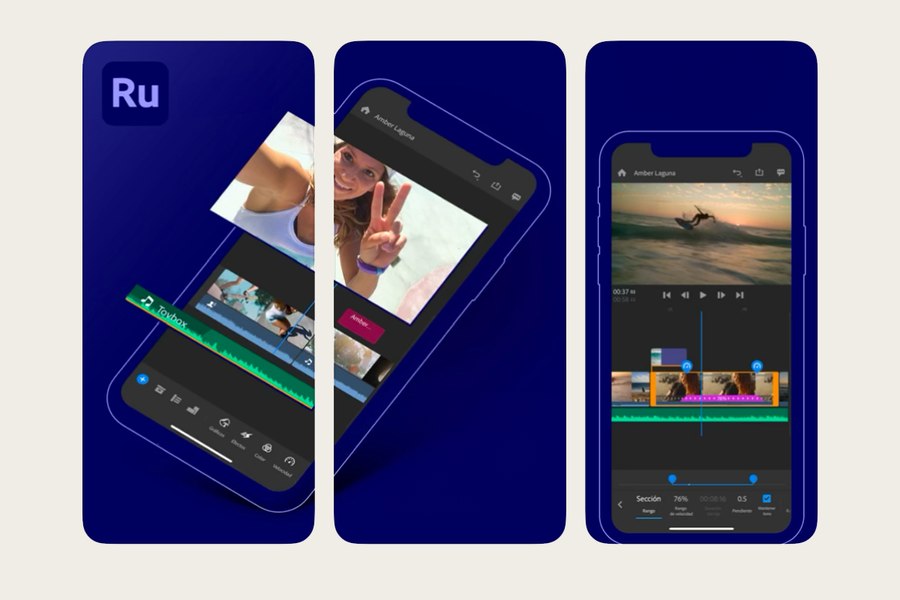
Best for professionals and beginners alike
Why it’s great: a simplified version of Adobe Premiere Pro, ideal for quick video edits
Key features:
✔️ Drag-and-drop editing
✔️ Adjust colors, add music, and include titles
✔️ Export in social media-friendly aspect ratios
✔️ Free plan with basic features (limited exports)
Splice
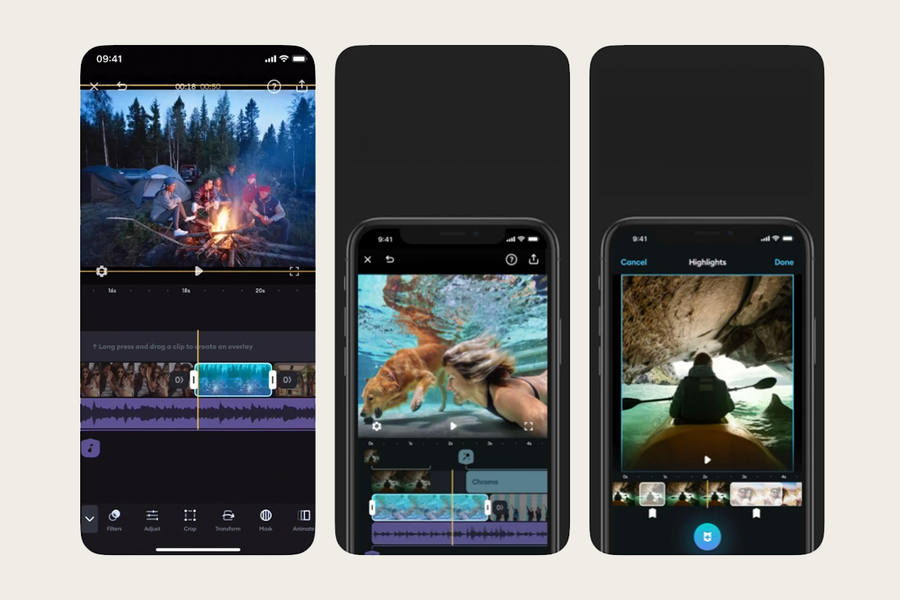
Best for trendy transitions and music
Why it’s great: a clean and easy-to-use interface for professional-looking and enjoyable videos
Key features:
✔️ Music library with royalty-free tracks
✔️ Powerful trimming, speed control, and transitions
✔️ Easy text overlays and voiceovers
✔️ Easily removable watermark
VN Video Editor
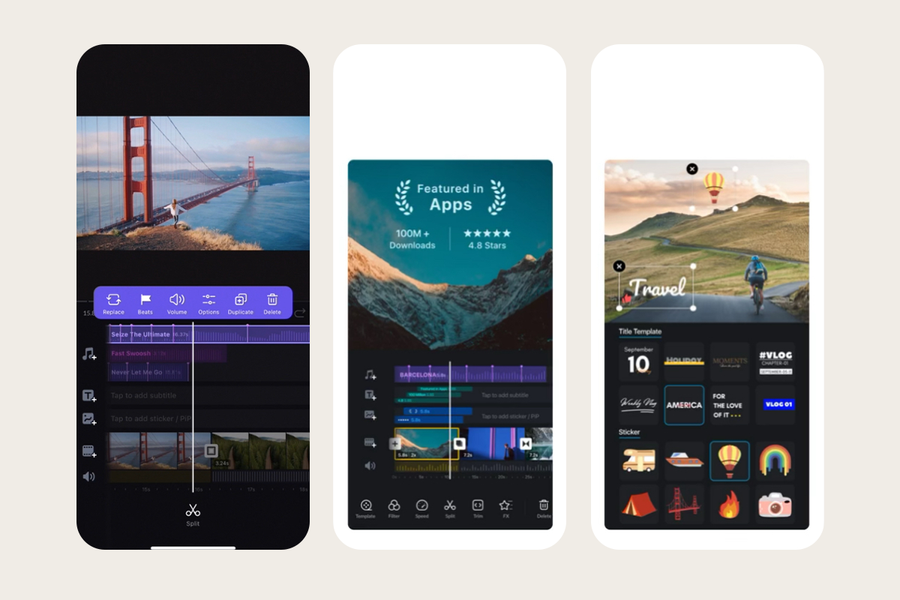
Best for getting pro-level features for free
Why it’s great: advanced editing and transitions tools that are still easy to use
Key features:
✔️ Multi-layer timeline for advanced edits
✔️ Customisable templates for Instagram Reels and TikTok
✔️ Lots of music, text, and transition choices
✔️ Export in high resolution without watermarks
Canva
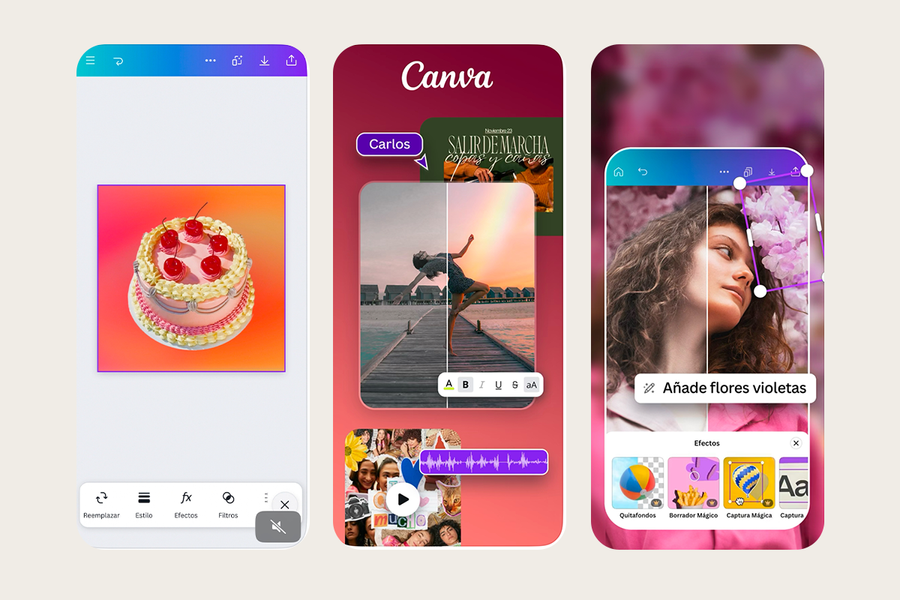
Best for templates and quick edits
Why it’s great: known for graphics, Canva now excels at video editing too with pre-made templates
Key features:
✔️ Hundreds of customisable video templates for Instagram Reels
✔️ Simple drag-and-drop editor
✔️ Add animations, text, and music
✔️ Use on desktop as well as mobile apps
Once you’ve downloaded one (or maybe all) of these best photo editing apps and video editing apps, you’ll be ready to have a scroll-stopping social media feed, and have fun while you do it.
And don’t forget to download our app too, so you can easily turn your beautifully edited photos into beautiful photo products.