Discover which photo book editor suits you best
By Photobox on 2 April 2026
Do you feel like your photo book design can never be creative enough, or do you prefer to keep it classic? This simple guide will help you discover which photo book maker best suits your creative style.

We have the perfect photo book software for you, whether you like to take your time with a photo book or prefer to create smaller books. In this guide, you’ll find the best photo book maker for your next project.
Each photo book editor offers fantastic creative options to help you create a unique masterpiece, but there are some differences between them. Our Desktop App programme not only gives you access to the most advanced creative features, but also to the Smart Assistant. Our online photo book maker is perfect for smaller, time-efficient projects, as is our Mobile App, which lets you create whenever you want. Keep reading to find out more details about our editors and all your creative options.
Desktop App for Windows
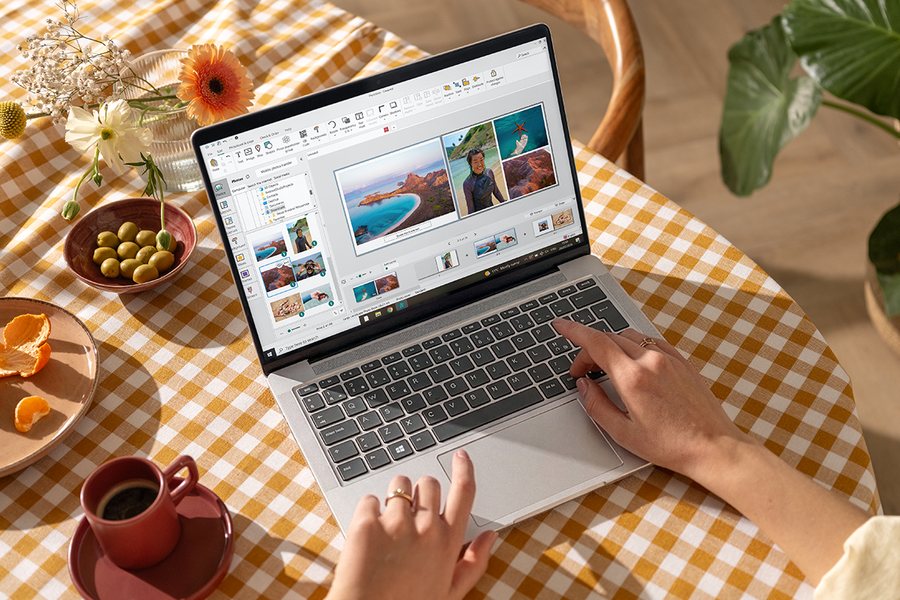
If you want to design with a wide range of creative tools, our offline photo book editor for Windows is your best choice. It’s our most popular photo album maker and has already been downloaded over a million times. This software is perfect if you enjoy spending time creating your photo book and want full control over every detail. You can also save your projects offline while you’re working with our editor.
When you download the Desktop App, choose your favourite photo book, add your snaps and, if you need help organising them, you can use our Smart Assistant. It will select the best images as an easy way to make a photo book.
Download our software for Windows
Desktop App for Mac
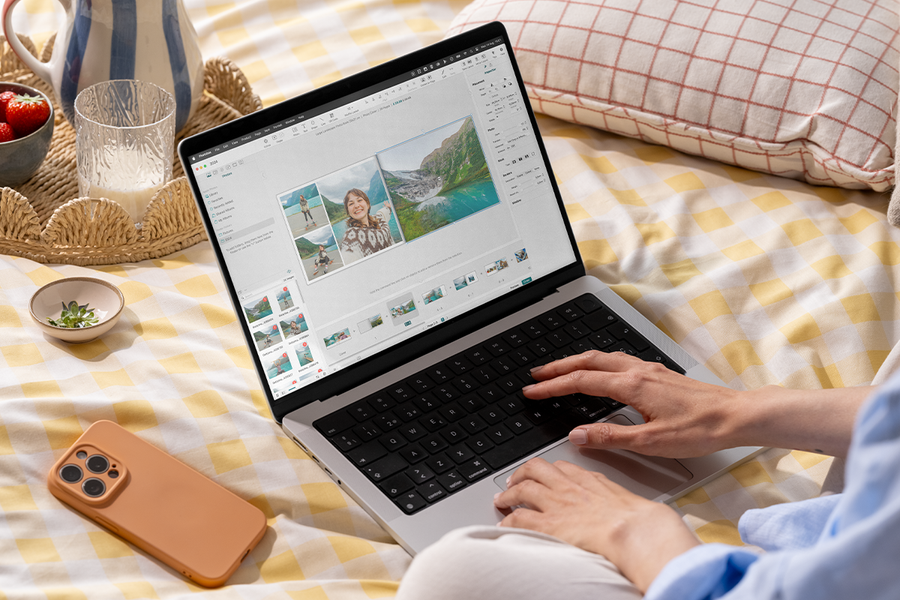
Don’t have Windows but use a Mac? Then this photo book software is your ideal companion. This offline photo book editor offers the same creative tools as the Windows version, but with the Apple look and feel. The Smart Assistant is also available in the Mac version of our software.
The Mac Desktop App also includes iPhoto integration, so all your events, albums, and photos are automatically available when you start your photo book. The rest is super simple: drag your photos onto a page and edit them until you’re completely satisfied. You can customise everything with this programme: from backgrounds to stickers, masks, frames and more.
Online Editor
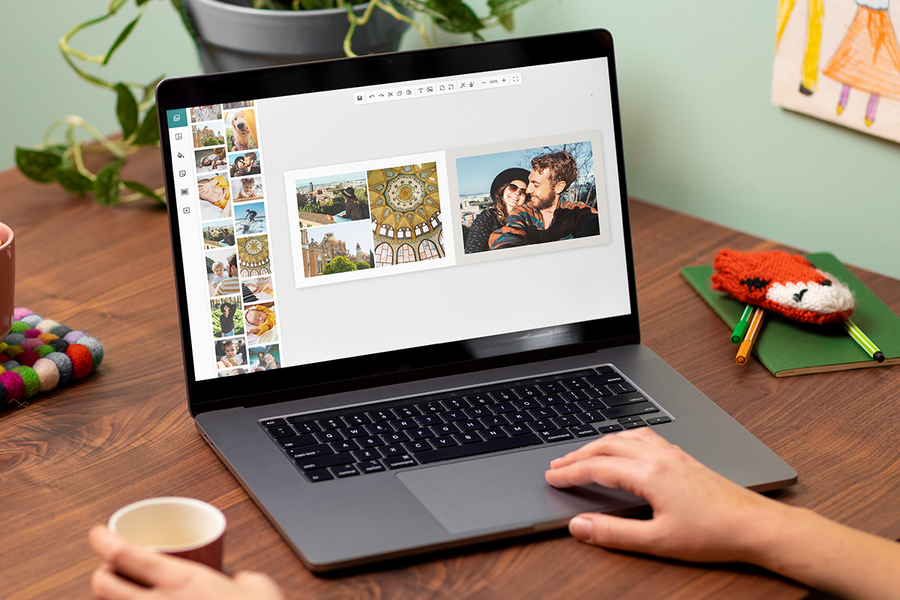
Are you looking for quick photo books editor? Our online photo album maker is fast, simple and ideal if you don’t have much time to spend. It’s a simplified version of our desktop photo book programme, but still offers plenty of tools to unleash your creativity. You don’t need to download the software to create your photo book, just get started right in your browser, and your book will be ready to order in minutes. You’ll see how easy it is to make photo books online.
If you want to spend more time on your project, you can save it in your online account and come back to it later. Don’t forget to check our ultimate guide to learn everything about creating your book with our easy photo book creator.
Mobile App
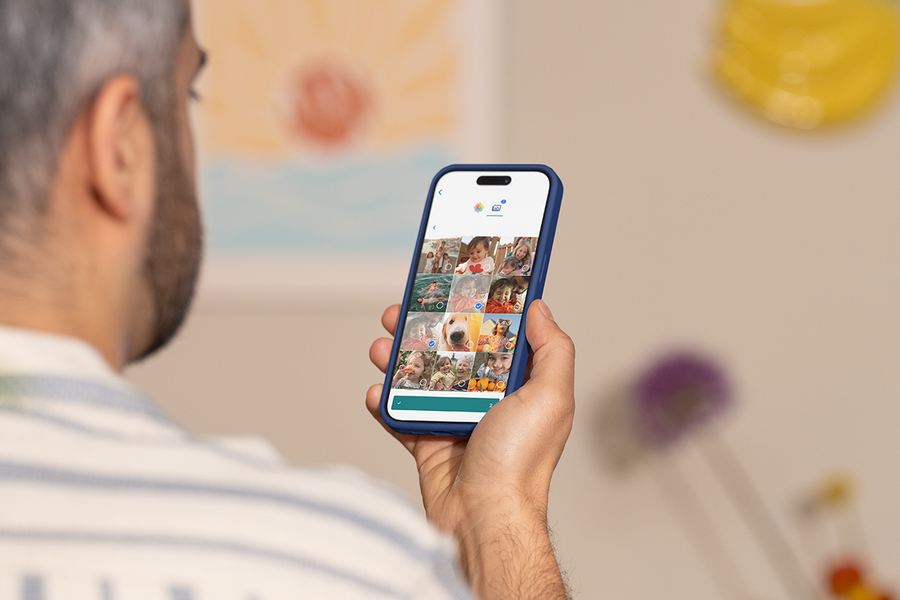
Create anytime, anywhere with our Mobile App, available for iOS and Android. It’s the best online photo book creator when you’re in a hurry, allowing you to create a photo book while riding the bus, waiting for the train, or enjoying a cup of coffee. With this editor, the photo book editing options are more limited, making the app ideal for quick projects with minimal customisation, such as wall art, mugs, calendars and prints.
Importing your photos into the Mobile App is really easy. Simply upload them to “My Photos” from your phone or Google Photos and they’ll sync between app and web. Create quick and easy photo books with a few simple steps.
We’ve got the perfect photo book software for your next project, whether you love fine details or prefer to keep things quick and easy. Download your Desktop App now or get started online right away on your PC or our Mobile App. Get some inspo from our blog and enjoy creating your next piece of art with the editor that suits you the best.